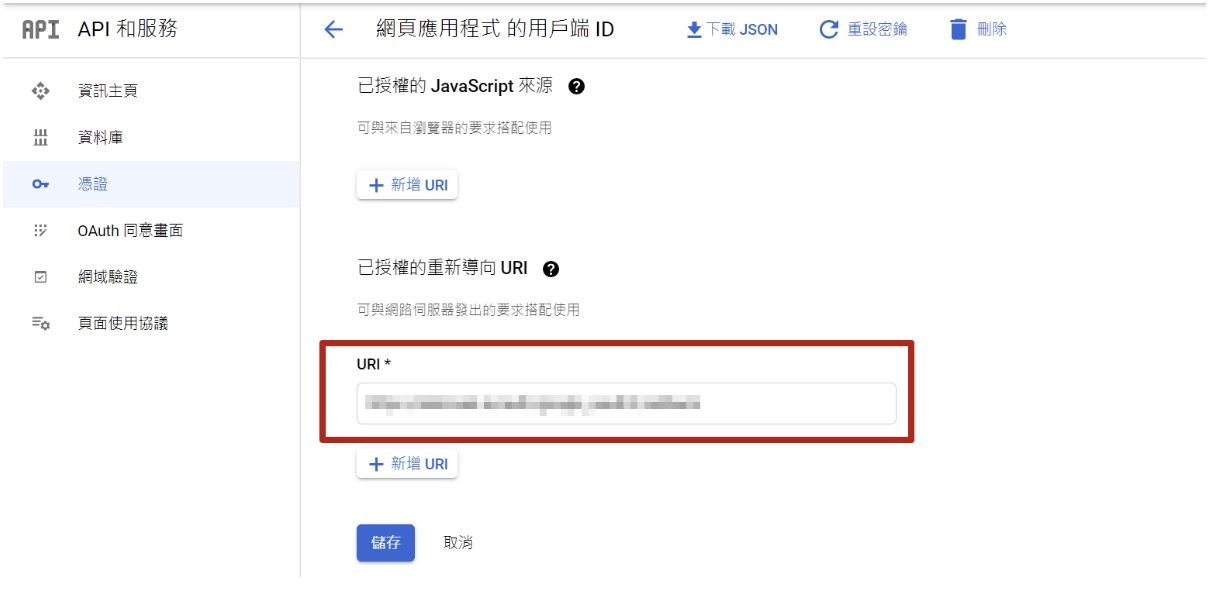
如果 Google 登入突然失效並出現錯誤代碼 400: redirect_uri_mismatch,可能是因為您的「Google 登入」設定中的 redirect_uri 與實際應用程式中的不一致。
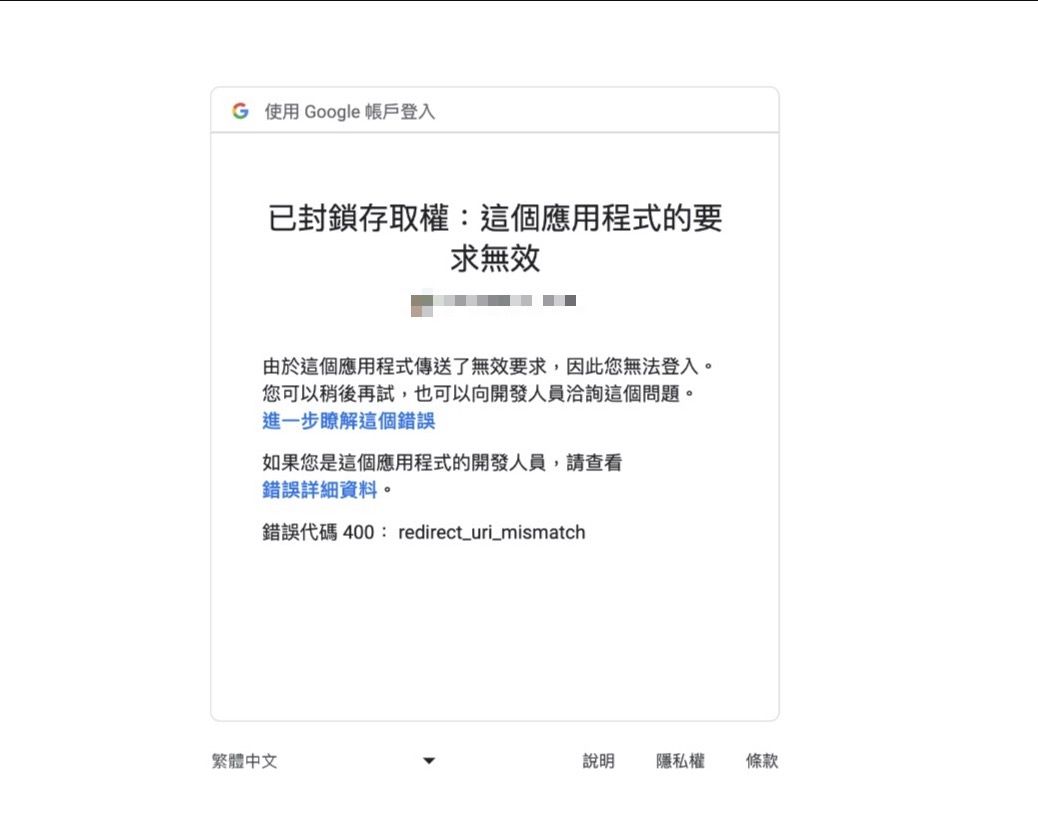
這個問題通常出現於 redirect_uri 被設定為錯誤的網域。
為了解決這個問題,請按照以下步驟檢查並修復 redirect_uri:
- 前往 Google Cloud Console:
登入您的 Google Cloud Console 帳戶(https://console.cloud.google.com/)。 選擇正確的專案:
-
確保您選擇正確的專案,該專案是與您應用程式相關的專案。
-
確認「已授權的重新導向 URL 」
參考 https://help.useteachify.com/zh-tw/article/google-1wcme41/ 這篇教學中的第十步,確認「已授權的重新導向 URL 」填寫正確